 rblx
Turn a sentence into a starter you can open in Studio.
rblxforge sits in a Chrome popup. You describe the place you want, it matches a sample, and you save a minimal .rbxlx. The fun of building the world still happens in Studio.

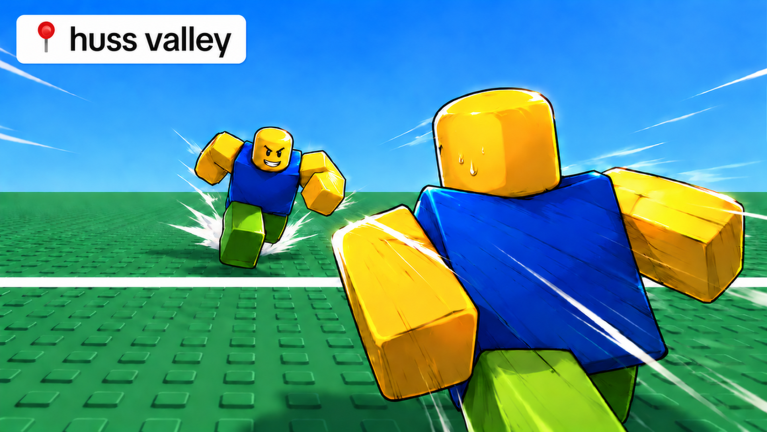
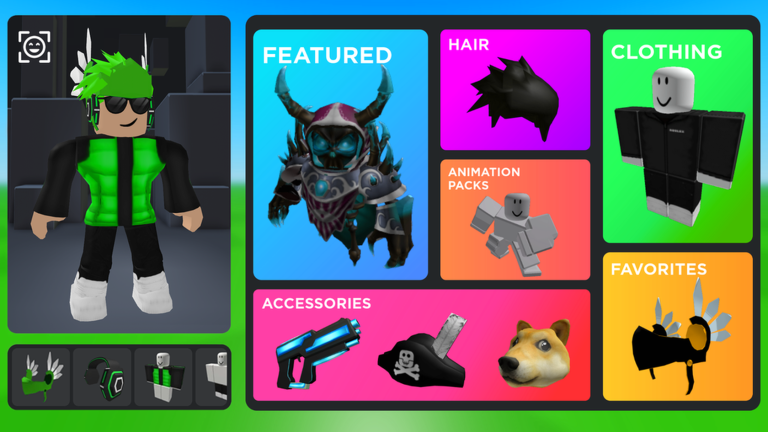
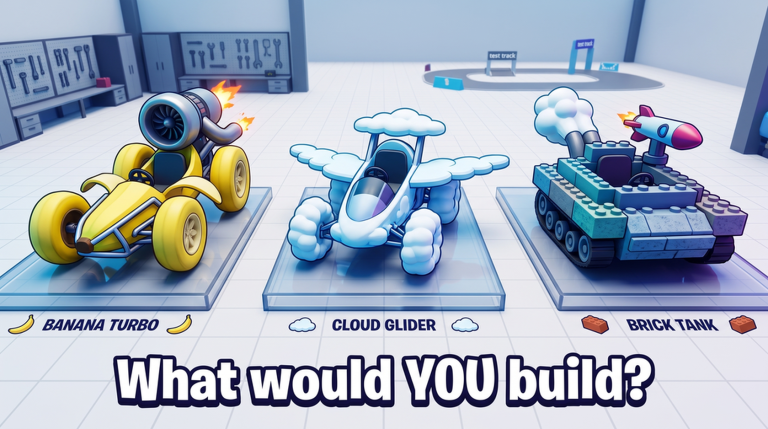
From a popup to your own Studio.
Get the extension
Download the zip, unzip it, and load the folder with Developer mode on.
Describe the idea
Open rblxforge and write the mood, genre, or a chip you already like.
Match a sample
The popup lines up a sample and a starter file you can carry into Studio.
Continue in Studio
Open the .rbxlx locally. Publishing on Roblox is still your step.
Before you install.
What is rblxforge?
A Chrome extension for Roblox creators. You describe a place, shape a sample, and take a starter file into Studio.
Where is rblxforge headed?
Toward AI-assisted world creation for Roblox. This build focuses on the creator flow you can use today: idea, sample, starter file, and a project list on your machine.
Do I need Roblox Studio?
Only to open the .rbxlx. The extension does not publish anything to Roblox.
How do I install it?
Download the zip, unzip it, turn on Developer mode, and load the unpacked folder.
What happens to what I type?
Everything you type is only used to match and generate your Studio starter file. rblxforge never asks for your Roblox login, password, or account data.
Is this a Roblox product?
No. Roblox marks belong to Roblox Corporation. What you publish still follows their terms.